What is Planet Planners on Roblox?
Calling all teachers!
Looking for game-based learning to help your students with geography?
Check out Planet Planners on Roblox by BBC Bitesize.
From preparing for natural disasters, to coping with urbanisation and managing changing coastlines.
All over the world there are problems to be tackled and decisions to be made.
Planet Planners offers a new way to learn.
With loads of great supporting materials for teachers.
Check out Planet Planners on Roblox by BBC Bitesize now.
Planet Planners on Roblox is a new geography game from BBC Bitesize delivering learning mapped to the KS3 geography curriculum (and equivalent) in an immersive and engaging way.
Planet Planners on Roblox offers a new way for students aged 11-14 to learn about some of the world’s most pressing challenges – from preparing for natural disasters to managing large cities.
A decision-making game with geographical thinking at its core, Planet Planners on Roblox develops essential skills like teamwork, time management, resilience, critical thinking and strategic planning as well as understanding of human and physical geography.
It is accessed via Roblox – an immersive platform for 3D experiences. To learn more about Roblox and how it can be used in education, visit Get started with Roblox Education [External link].
To learn more about game-based learning and how it can support your students, read our article: What is game-based learning and how can it benefit your students?
Play Planet Planners on Roblox. External Link
Explore, build and shape the world in *Planet Planners on Roblox* [External link]
Gameplay: From choices to consequences
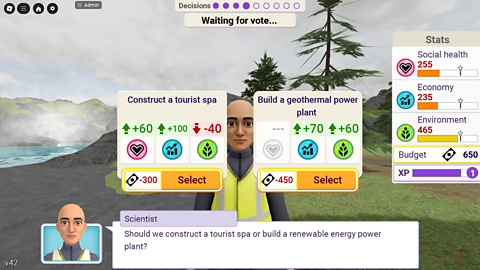
The immersive 3D environments in Planet Planners on Roblox allow students to take on the role of decision makers responding to opportunities and challenges faced by a community or area. There are no right or wrong answers; for example, choosing to invest in green infrastructure might boost public health but require trade-offs in other areas.
Players must analyse data, think critically and manage their time to respond to evolving opportunities and challenges – all broader skills that fit well with curricula and exam specifications.
Within the game students can:
- Learn about human and physical geography by making decisions in real-world locations.
- Play solo or collaborate in group play mode.
- Aim to balance the economy, environment and social health, whilst remaining in budget.
- Make choices through voting and actively engage in activities such as gathering data, building and packing supplies.
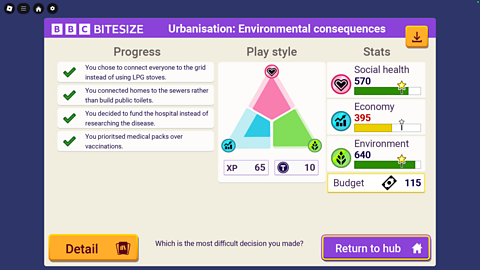
- Receive a star for each metric if they perform well and stay within budget.
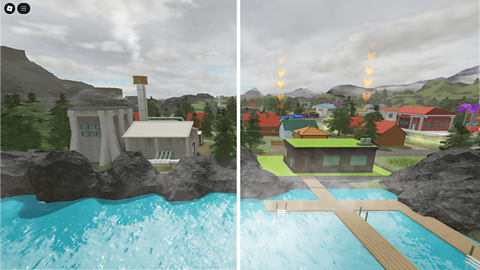
- See and feel the impact of their choices through changes to the environment and core metrics.
- Receive a report at the end of the scenario showing how they performed and outlining key decisions made.
- Replay scenarios multiple times, encouraging reflection and exploration of different options and perspectives.
Geography topics and scenarios
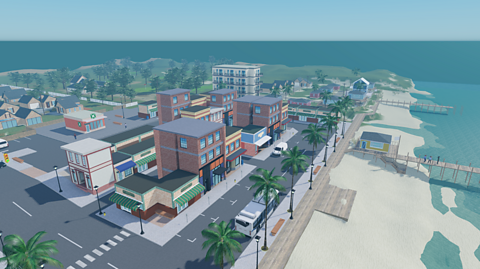
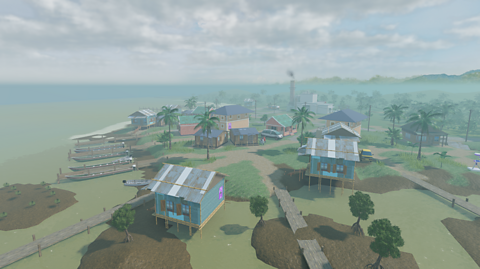
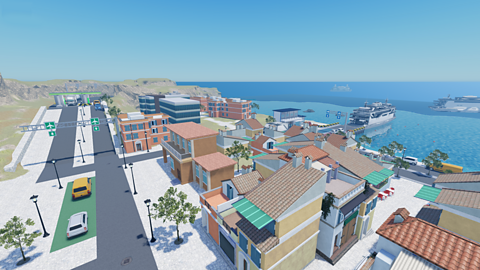
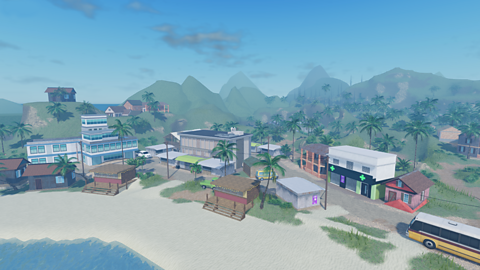
Planet Planners on Roblox includes both human and physical geography, with strong synoptic links between the two. While the settings are designed to feel authentic and reflect real-world conditions, they are fictional and not based on specific towns or cities. This allows players to take virtual field trips and experience environments and locations from around the globe.
Each scenario is tied to distinct learning objectives, and curriculum content is delivered using non-player characters (NPCs), Bitesize information panels and timed challenges. These features encourage students to think holistically, to consider alternative viewpoints and to work within a budget.
Within the game, there are 6 topics, with 12 individual scenarios to choose from. The links below will take you to teacher notes for the relevant scenario.
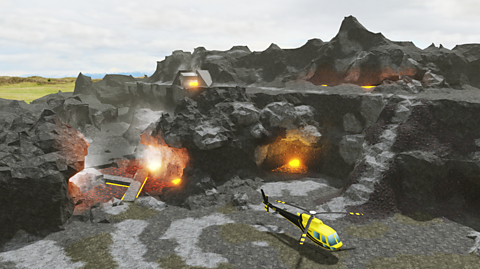
- Tectonic hazards: Volcano preparation | After the earthquake
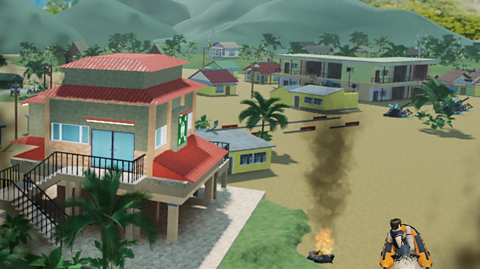
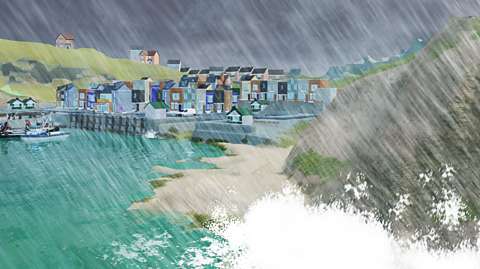
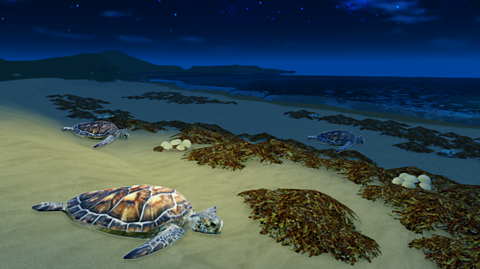
- Coasts: Erosion | Nature and tourism
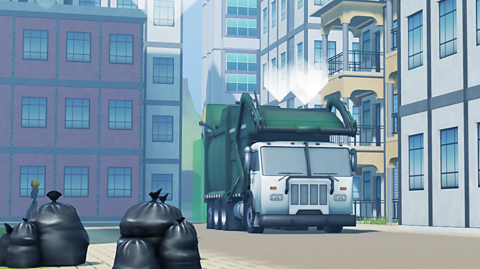
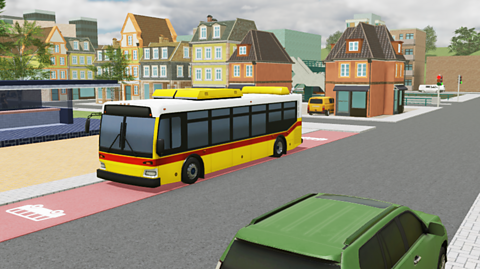
- Urbanisation: Environmental consequences | Managing high-income country (HIC) cities
- Weather and climate: Extreme weather | Low-income country (LIC) climate change
- Population and migration: Increasing immigration | Dealing with emigration
- Food and water: Producing food | Conserving water [Coming autumn 2025]
Learning objectives and support materials
The Planet Planners on Roblox scenarios are designed to deliver KS3 (and equivalent) geography learning outcomes and connect with several curriculum areas, such as science, citizenship and PSHE.
The game has been mapped to the curricula of England, Scotland, Wales and Northern Ireland, as well as to curricula in the US.
To support the use of Planet Planners on Roblox, teacher notes are available for each scenario as well as a student worksheet that can be used for all scenarios.
How to use Planet Planners on Roblox with students
Planet Planners on Roblox can be integrated into KS3 geography study to introduce topics, reinforce concepts and engage students in active learning.
The game is flexible and can be integrated into the curriculum in a variety of ways to suit different educational settings:
In class to introduce or consolidate key topics.
As homework or revision, taking advantage of the end of scenario report, meaning students can share their progress with teachers.
For enrichment or extension, offering a chance for students to explore concepts beyond the core curriculum.
To encourage collaboration, through the use of group play.
As a cross-curricular tool, for developing critical thinking, problem-solving, resilience and collaboration skills.
Teachers can also guide the learning by assigning specific roles or targets to students or groups.
Solo and group play modes
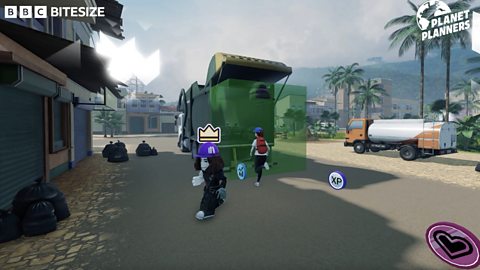
The game can be played in solo or group mode (2 to 4 players), which promotes collaboration. In solo mode players navigate through the scenario and make decisions alone. In group mode:
One player is the ‘group leader’ and they decide which non-playable character (NPC) to interact with - this role rotates so every player has the chance to be the group leader.
Each player has a vote when a decision needs to be made (if the vote is tied then the group leader’s vote decides the outcome).
Players can work together during activities.
Step-by-step guide to using Planet Planners on Roblox
Roblox provides information for educators about getting started, how to set up and manage a classroom and considerations for IT departments. All this information can be found on the pages within the Roblox educator onboarding hub [External link].
Some key points to note are:
Each student needs a Roblox account to play.
To download and play Roblox experiences, computers/devices will need access. This may require help from IT departments.
When playing an experience, Roblox ensures all players are on the latest version. To facilitate this, the Roblox app is updated constantly, so domains must remain accessible and allow updates.
Once students have access to Roblox, the steps to play are:
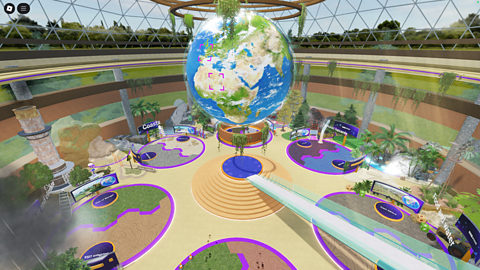
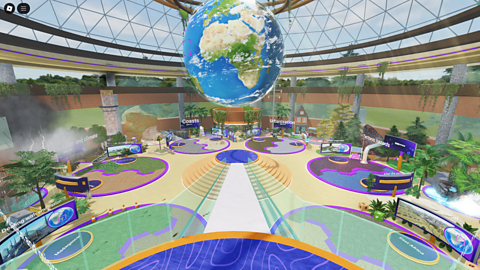
Image caption, 1. Direct students to the Planet Planners on Roblox game. They will enter a hub, with distinct topic areas and a large screen for each scenario.
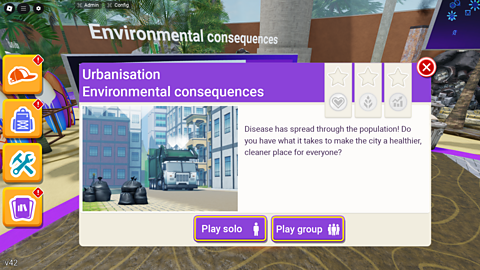
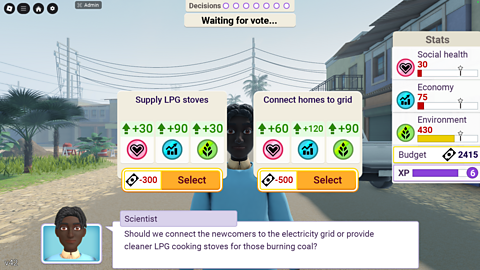
1 of 5
Teacher notes
Explore the full set of KS3 (and equivalent) geography resources for each scenario below, including guidance, classroom activities and questions for discussion.
You'll find key information, learning goals and the challenges students will face in the game, giving you a clear sense of how each scenario brings geography to life.
Teacher materials produced in partnership with the Geographical Association [External link].
Tectonic hazards
Coasts
Urbanisation
Weather and climate
Population and migration
The BBC is not responsible for the contents of any external sites.
Explore more
Explore more from Bitesize with links to related subjects, revision resources and interactive learning tools.
Game-based learning
What is game-based learning and how can it benefit your students?
Secondary Geography
Explore free, curriculum-aligned resources for teaching secondary Geography on BBC Bitesize
Sign up for the Bitesize for Teachers newsletter. External Link
Sign up to the Bitesize for Teachers newsletter to get the latest updates and classroom support straight to your inbox.